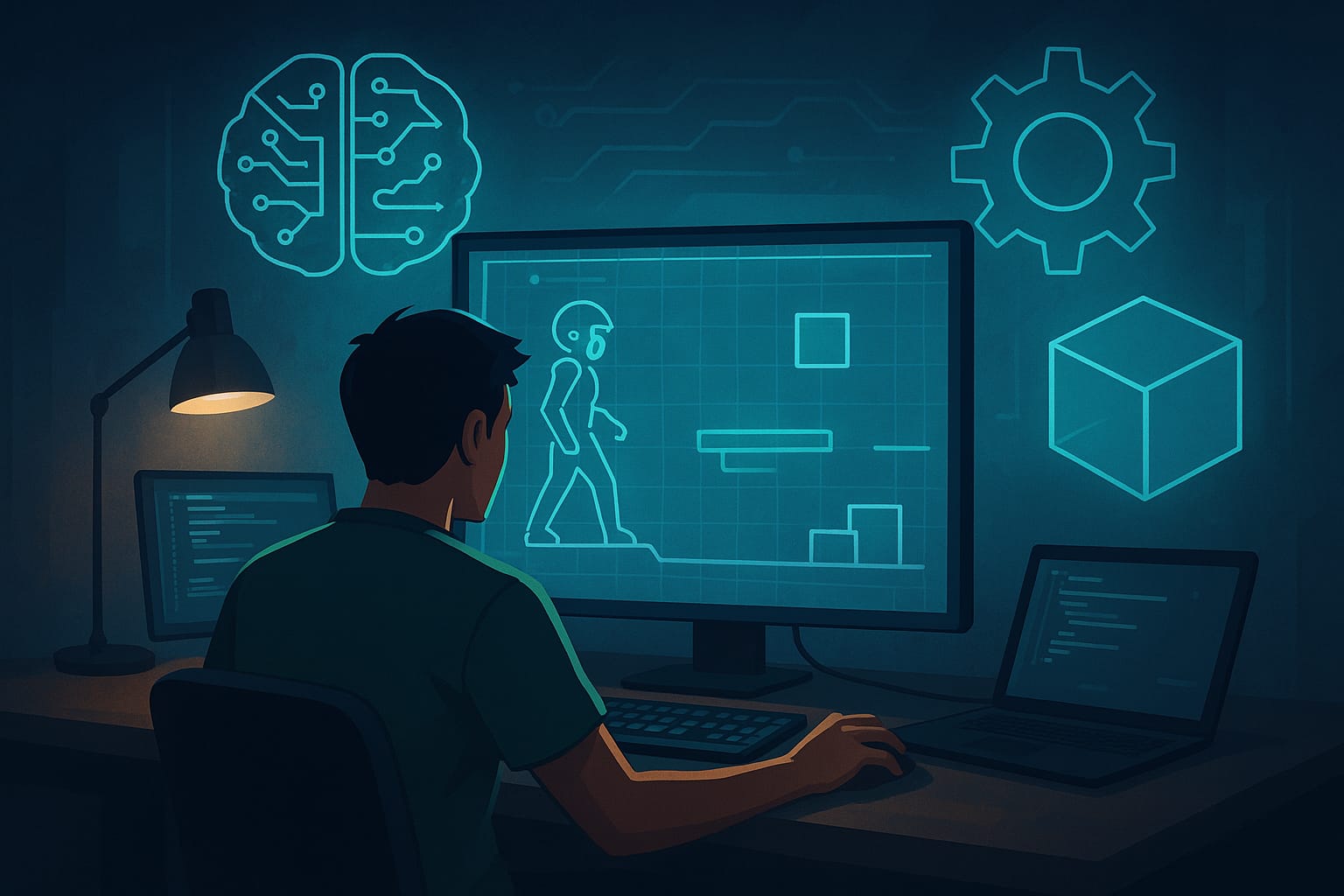
Every game developer knows the feeling. You’re in the shower, or driving home, and it hits you: the perfect concept for a game. It feels revolutionary, fun, and feasible. But then you sit down at your computer, and the reality of the “blank page” sets in. The sheer mountain of work required just to see if the core mechanic is fun coding the movement logic, sketching placeholder assets, and writing basic dialogue, can be paralyzing. For years, this “pre-production valley of death” has killed countless great ideas before they ever became playable.
But the industry is shifting. We are entering a new paradigm where AI game prototyping acts as a catalyst for rapid iteration. It is no longer about spending weeks building a grey-box environment just to realize the jumping mechanics feel floaty. It’s about getting to the fun part faster.
Artificial Intelligence isn’t here to replace the creative spark of developers; it is here to stoke the fire. By leveraging generative tools, developers can bridge the gap between abstract concepts and playable prototypes in record time. Whether you are a solo indie dev or a producer at a major studio, AI tools allow you to fail faster, iterate smarter, and ultimately, build better games.
Visualizing the World: AI for Concept Art and Assets
One of the biggest hurdles in early game development workflow is the visual barrier. If you are a programmer with a great mechanical idea but zero artistic skill, your prototype often relies on colored cubes and capsules. While functional, it’s hard to get excited about a cube fighting a sphere.
Generative AI for games has democratized the concept art phase. Tools like Midjourney and Stable Diffusion allow you to establish mood boards instantly. Instead of spending days scrolling through Pinterest for inspiration, you can input a prompt like “post-apocalyptic neon city with overgrowth, isometric view” and generate dozens of stylistic variations in minutes. This immediate feedback loop helps teams align on an aesthetic direction before a single 3D model is built.
But it goes beyond just concept art. AI is now capable of creating usable production assets for prototypes.
- Textures and Materials: You can generate seamless textures for terrain or walls, preventing your prototype from looking like a checkerboard test room.
- 2D Sprites: For 2D games, AI can generate character sheets or item icons, giving your inventory system distinct, readable visuals immediately.
- Skyboxes: Need a dramatic alien sky to set the mood? AI can generate 360-degree panoramic images that drop right into your engine.
By removing the friction of asset creation, AI game assets allow you to test the feel of the game in a context that actually looks like the final product.
Writing the Rules: AI for Coding and Logic
For designers who don’t have a strong background in C# or C++, the coding barrier can be insurmountable. Even for seasoned engineers, writing boilerplate code, the repetitive infrastructure needed for every project is a tedious time sink.
This is where Large Language Models (LLMs) like ChatGPT, Claude, and GitHub Copilot shine. They function less like a replacement for a programmer and more like an indefatigable pair programmer. You can ask an AI to write a standard character controller script for Unity or a grid-based inventory system for Godot, and it will provide a solid starting point.
Here is how AI accelerates the logic phase:
- Boilerplate Generation: Quickly generate the basic scripts for menus, health systems, or score managers.
- Debugging Assistant: Paste a buggy script into an LLM and ask, “Why is my character falling through the floor?” The AI can often spot missing colliders or logic errors instantly.
- Logic Suggestions: If you are stuck on how to implement a mechanic, you can describe the goal “I want the enemy to circle the player before attacking,” and the AI can suggest the vector math or behaviour tree logic required to make it happen.
For indie game dev tips, this is perhaps the most valuable takeaway: AI empowers designers to build functionality. You no longer have to wait for an engineer to free up time to test a new mechanic. You can build a rough version yourself, test if it’s fun, and then hand it over to engineering for a proper implementation. Even whimsical ideas get prototyped instantly, like Garden Guardian, a bizarre farming sim where AI handled the quirky crops, economic systems, and garden visuals from a playful prompt, turning a joke concept into something surprisingly addictive.
Breathing Life: AI for Narrative and Audio
A silent world with text-box dialogue often fails to convey emotional weight. Rapid prototyping tools now extend into audio and narrative, allowing you to flesh out the story and soundscape of your prototype without hiring a full cast or orchestra.
Narrative Structure
In the early stages, writing thousands of lines of dialogue for NPCs is daunting. AI can help generate branching dialogue trees, item descriptions, and quest lore. You can feed an AI a character persona, “A grumpy blacksmith who hates magic,” and have it generate ten different greetings. This populates your world with flavor text that makes the prototype feel lived-in.
Voice Acting
Placeholder voice acting used to mean the developer recording themselves mumbling into a microphone. Now, text-to-speech tools like ElevenLabs can generate high-quality voiceovers in seconds. You can test dialogue flow, timing, and emotional delivery before you ever book a recording studio. This allows you to catch bad writing or awkward pacing early in development.
Soundscapes
Need the sound of a “laser sword hitting a wet sponge”? Generative audio tools can create specific sound effects or ambient background tracks to set the atmosphere. Sound is 50% of the experience, and having it present in the prototype phase changes how you perceive the gameplay.
The Workflow: A Step-by-Step Example
To truly understand the power of this workflow, let’s walk through a hypothetical scenario. Imagine you have a game idea: “A Cyberpunk Farming Simulator.”
In a traditional workflow, day one would be spent setting up the project and maybe getting a cube to move on a plane. With an AI-assisted workflow, the first 24 hours look very different:
- Hour 0-2 (Concepting): You use Midjourney to generate concepts for “neon-lit greenhouses” and “cybernetic cows.” You define the visual palette.
- Hour 2-6 (Assets): You generate seamless metallic floor textures and sprite icons for “synthetic corn” and “robo-fertilizer.”
- Hour 6-12 (Coding): You use GitHub Copilot to help write the grid-placement system for planting crops and a day/night cycle script.
- Hour 12-16 (Narrative): You ask ChatGPT to generate names and backstories for the corporate overlords buying your crops.
- Hour 16-24 (Polish): You generate synth-wave background music and placeholder voice lines for the tutorial drone.
By the end of day one, you don’t just have a document; you have a playable, audiovisual representation of your idea. You can see if the contrast between high-tech city and slow farming feels good, or if it clashes. You have successfully “failed faster” or found the fun sooner. Play Pokémon Rumble Arena started as a simple fan idea (“Pokémon battle royale arena”) and became a fully playable multiplayer rumble with AI-generated characters, arenas, and combat logic, proving how fast AI can validate in Astrocade (an AI game creation tool)
The Human Touch: Caveats and Ethics
While the speed of AI is intoxicating, it is vital to remember that AI creates the prototype, but humans craft the experience.
AI output is often generic or derivative. It requires a human eye to curate, edit, and refine the results. A generated script might work, but it won’t be optimized. A generated image might look cool, but it might have inconsistencies. You are the director; the AI is just the crew.
Furthermore, developers must navigate the ethical landscape. When using generative tools, be mindful of copyright considerations and the training data used by specific models. For a commercial release, you need to ensure you have the rights to the assets you are using. For prototyping, internal testing, and pitching, these tools are incredible, but always do your due diligence before shipping AI-generated assets in a final product.
Start Your Engine
The barrier to entry for game development has never been lower. AI game prototyping offers a toolkit that respects your time and amplifies your creativity. It allows you to focus on the design rather than the drudgery.
You don’t need to overhaul your entire studio pipeline overnight. Start small. For your next game jam or weekend project, try incorporating just one AI tool. Use it to generate code snippets or create a mood board. You will likely find that when you aren’t bogged down by the blank page, you have a lot more energy to make something truly special.