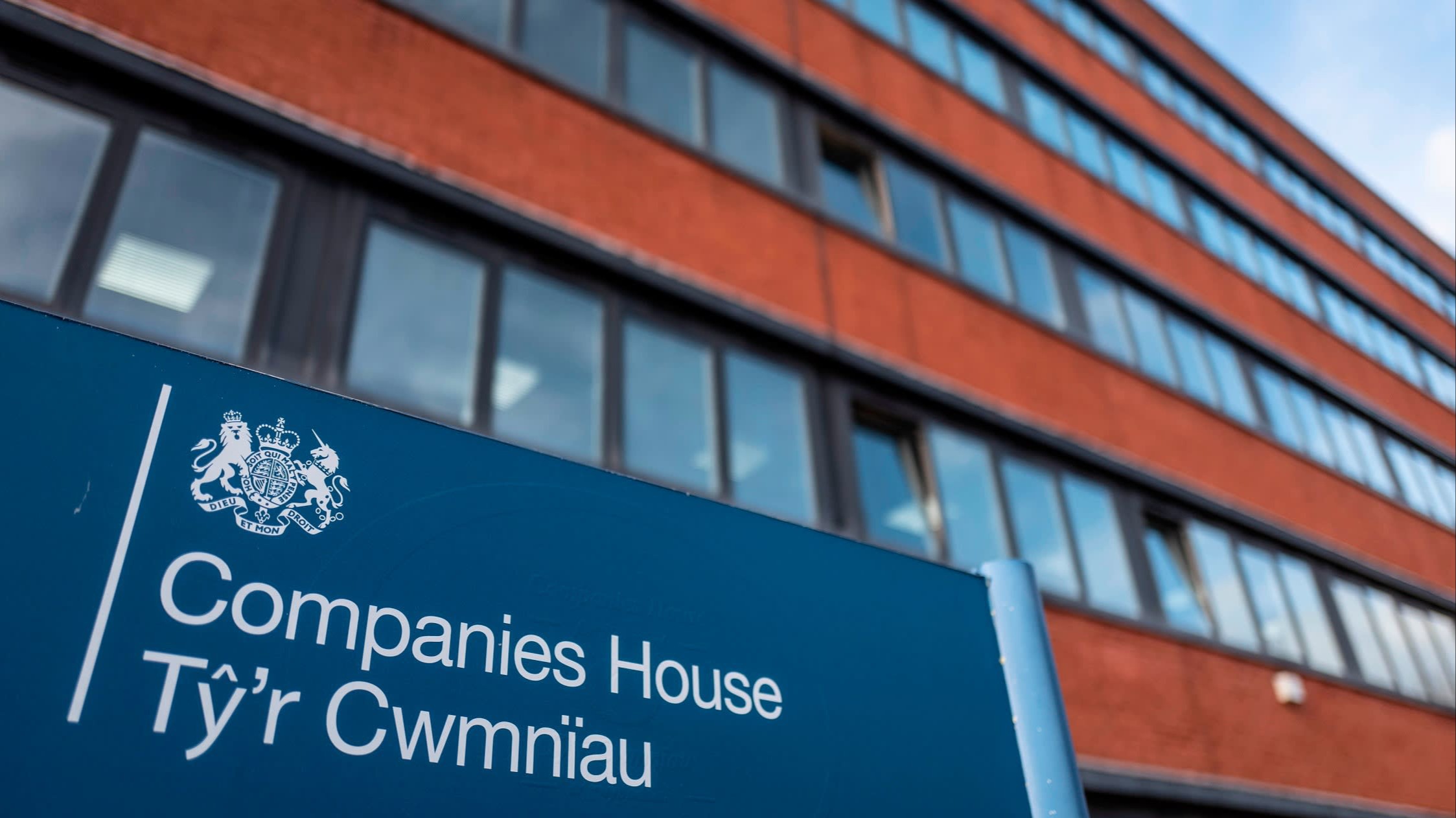
Quick Answer: How to Change SIC Code on Companies House
To change a SIC code on Companies House, you must file a Confirmation Statement (CS01) through the official online filing system. Log in using your company authentication code, update the SIC code section by removing incorrect entries and adding the correct ones, then submit the form. The current online filing fee is £50, and once processed, your updated SIC codes will appear on your company’s public record.
You can file this update either at your normal confirmation statement deadline or earlier if your business activities have changed. Filing early is allowed, but it resets your next confirmation statement period, so timing should be considered carefully. This process ensures your company information remains accurate, compliant, and aligned with official Companies House requirements.
What Is a SIC Code and Why It Matters
A SIC code, or Standard Industrial Classification code, is a five-digit number used to describe the main activities of a company registered in the UK. When you incorporate a business, you must select at least one SIC code, and you can choose up to four if your company operates in multiple areas. These codes form part of your company’s public profile and are used by Companies House and other organisations to classify business activity.
Having the correct SIC code is important because it ensures your company is represented accurately on official records. If your classification does not reflect your real operations, it may create confusion for third parties reviewing your business. Keeping this information up to date demonstrates professionalism, improves transparency, and ensures that your company data aligns with its actual activities.
When You Should Change Your SIC Code
You should update your SIC code whenever your business activities change significantly. For example, if your company expands into a new sector, shifts its focus, or introduces new services, your existing classification may no longer reflect what your business actually does. Updating the code ensures that your company record remains relevant and accurate.
Another common situation is correcting an error made during company formation. Many businesses initially choose a code that seems appropriate but later realise it does not fully match their operations. In such cases, learning how to change SIC code on Companies House allows you to fix the issue quickly and maintain a clear and accurate company profile.
Step-by-Step Guide: How to Change SIC Code on Companies House

The first step is to identify the correct SIC code using the official SIC 2007 list provided by Companies House. This list includes hundreds of options across different industries, so it is important to choose the code or codes that best represent your business activities. If your company operates in more than one area, you can include up to four SIC codes to describe your operations accurately.
Next, log in to the Companies House online filing service using your company authentication code. Start a Confirmation Statement (CS01), navigate to the SIC code section, and update the information by removing outdated codes and entering the correct ones. Carefully review your details, pay the £50 online filing fee, and submit the form. Once accepted, your updated SIC codes will be reflected in your company’s official record.
Important Rules and Filing Requirements
There are several rules you should understand before updating your SIC code. First, all codes must come from the SIC 2007 classification system, which is the current standard used by Companies House. Using outdated or incorrect codes may result in your filing being rejected or delayed.
It is also important to know that SIC codes can only be updated through a Confirmation Statement. You cannot change them through other forms or filings. Additionally, filing a confirmation statement early will start a new 12-month review period from the date of submission. Understanding this rule helps you plan your filings effectively and avoid unexpected compliance issues later.
Cost of Changing a SIC Code in 2026
There is no separate charge specifically for updating a SIC code, as it is included within the Confirmation Statement filing. As of 2026, the online filing fee is £50, which reflects recent updates to Companies House pricing. Filing on paper is more expensive and slower, making online submission the preferred option for most companies.
Some businesses choose to use professional service providers to handle filings on their behalf. While this may offer convenience, it can increase overall costs. For most business owners, completing the process directly through Companies House is straightforward and cost-effective, especially when you understand the correct steps involved.
Common Mistakes to Avoid When Updating SIC Codes
One common mistake is selecting a SIC code that only partially represents your business. Choosing a vague or incorrect code can lead to a mismatch between your actual operations and your public record. To avoid this, review the official SIC list carefully and ensure your selection accurately reflects your primary and secondary activities.
Another mistake is delaying updates when business activities change. Keeping outdated information on your company record can reduce clarity and create confusion for those reviewing your profile. Additionally, some companies forget that they can include up to four SIC codes, which limits their ability to represent multiple services. Avoiding these errors ensures your company remains accurate, transparent, and compliant.
Practical Tips for Choosing the Right SIC Code
When selecting a SIC code, focus on your main source of revenue and choose a code that best represents that activity. If your business offers multiple services, use additional codes to provide a more complete picture of your operations. This approach improves clarity and ensures your company is correctly categorised.
You can also review similar companies on the Companies House register to see which SIC codes they use. This can provide useful guidance when you are unsure which code to select. If needed, consult an accountant or business advisor to ensure accuracy, especially for complex business models or multi-industry operations.
Consequences of Not Updating Your SIC Code
Failing to update your SIC code can lead to inaccurate company records, which may create confusion for anyone reviewing your business. This includes potential clients, partners, and organisations that rely on Companies House data. Keeping your information up to date helps maintain a clear and consistent representation of your business activities.
In addition, incorrect or outdated information may cause issues during compliance checks or administrative processes. While changing a SIC code is a simple task, ignoring it can lead to unnecessary complications. By keeping your company details accurate, you reduce risk and ensure your business remains aligned with official requirements.
Frequently Asked Questions About Changing SIC Code on Companies House
Can I change my SIC code before my annual deadline?
Yes, you can file a Confirmation Statement early if you need to update your SIC code before the scheduled deadline. However, doing so will reset your next confirmation statement period to 12 months from the new filing date. This is useful when urgent updates are required but should be planned carefully.
How many SIC codes can a company have?
A company can have up to four SIC codes. This allows businesses to represent multiple activities accurately. Using all relevant codes helps ensure your company profile reflects the full scope of your operations without being misleading or incomplete.
Do I need an authentication code to update my SIC code?
Yes, you need your company authentication code to access the Companies House online filing system. This code acts as a security measure and is required to submit a Confirmation Statement. Without it, you will not be able to make updates to your company information.
Is changing a SIC code free?
Changing a SIC code is not free, as it is part of the Confirmation Statement filing. The current online fee is £50 in 2026. This fee covers the submission and processing of your updated company details through Companies House.
What happens if I choose the wrong SIC code?
If you select the wrong SIC code, you can correct it by filing another Confirmation Statement. However, repeated changes may create confusion and unnecessary administrative work. It is best to choose the most accurate code from the beginning to avoid future adjustments.
Conclusion: Keep Your Company Records Accurate and Up to Date
Changing your SIC code on Companies House is a straightforward process that plays an important role in maintaining accurate company records. By filing a Confirmation Statement and selecting the correct codes, you ensure that your business activities are properly represented on the public register. This helps improve transparency and supports smooth compliance with official requirements.
By understanding how to change SIC code on Companies House and following the correct steps, you can avoid common mistakes and keep your company information aligned with its actual operations. Regularly reviewing and updating your details ensures your business remains accurate, professional, and ready for future growth.
You may also read: Passport Identity Verification: Online Checks, Compliance & Security Explained